Compress WAV
Compress WAV to MP3 right in this browser tab: pick a bitrate, convert, and see each file's size before and after. A CD-quality WAV comes out 4 to 11 times smaller, and nothing is uploaded.
How much smaller the file gets
WAV is uncompressed. MP3 keeps the fixed bitrate you pick, so the saving is easy to predict:
| Format | One minute | Smaller than WAV | Good for |
|---|---|---|---|
| WAV, CD quality (1,411 kbps) | 10.1 MB | — | Editing and masters |
| MP3, 128 kbps | 0.9 MB | 11× | Speech: voice memos, lectures, podcasts |
| MP3, 192 kbps | 1.4 MB | 7.4× | The default; most music |
| MP3, 256 kbps | 1.8 MB | 5.5× | Music on good headphones |
| MP3, 320 kbps | 2.3 MB | 4.4× | The highest MP3 bitrate here |
Stereo audio, sizes in MB as the converter shows them.
A mono WAV starts at half the size, so it shrinks half as much. A 24-bit, 48 kHz studio WAV is bigger (2,304 kbps) and shrinks even more.
How to compress a WAV file to MP3
1.Add WAV files
Drag them onto the box above or click to pick them, up to 15 at once.
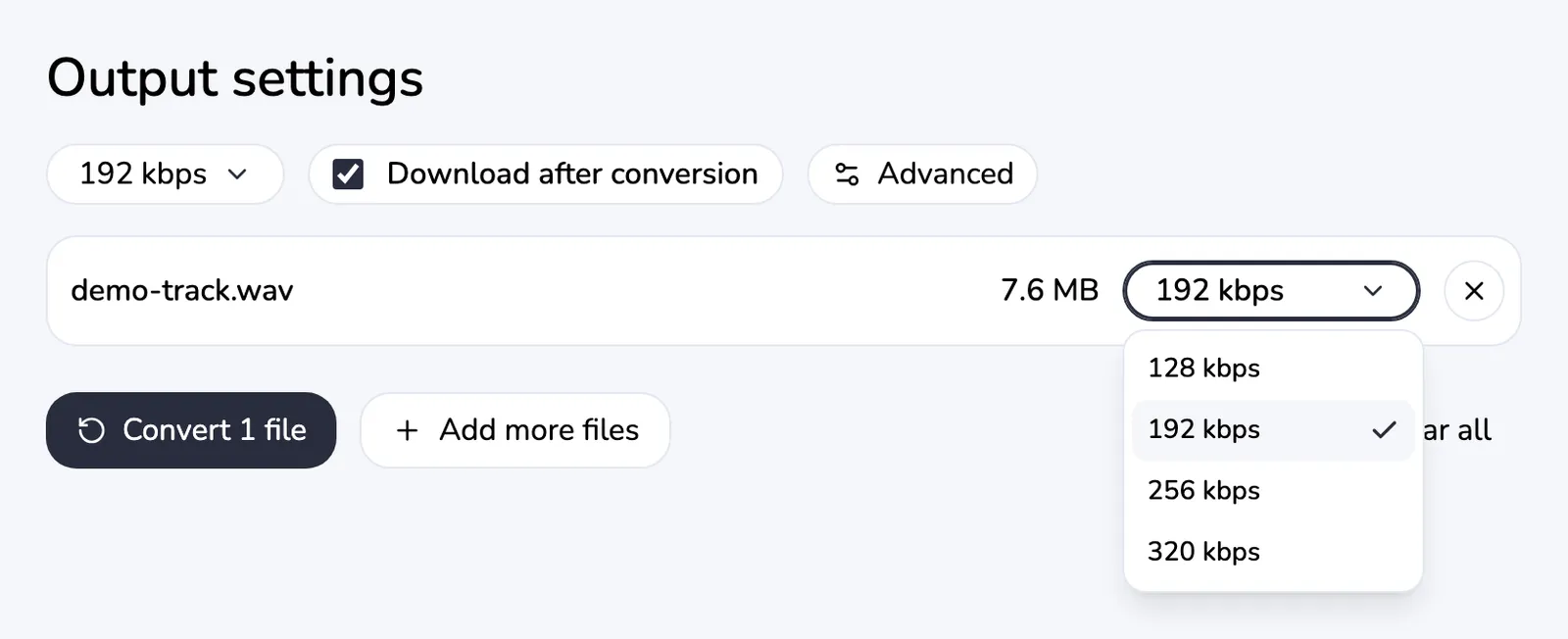
2.Pick a bitrate
192 kbps is the default. A lower bitrate means a smaller file, and any row can have its own.
3.Convert
Encoding runs on your device. The first file waits a moment while the encoder loads.
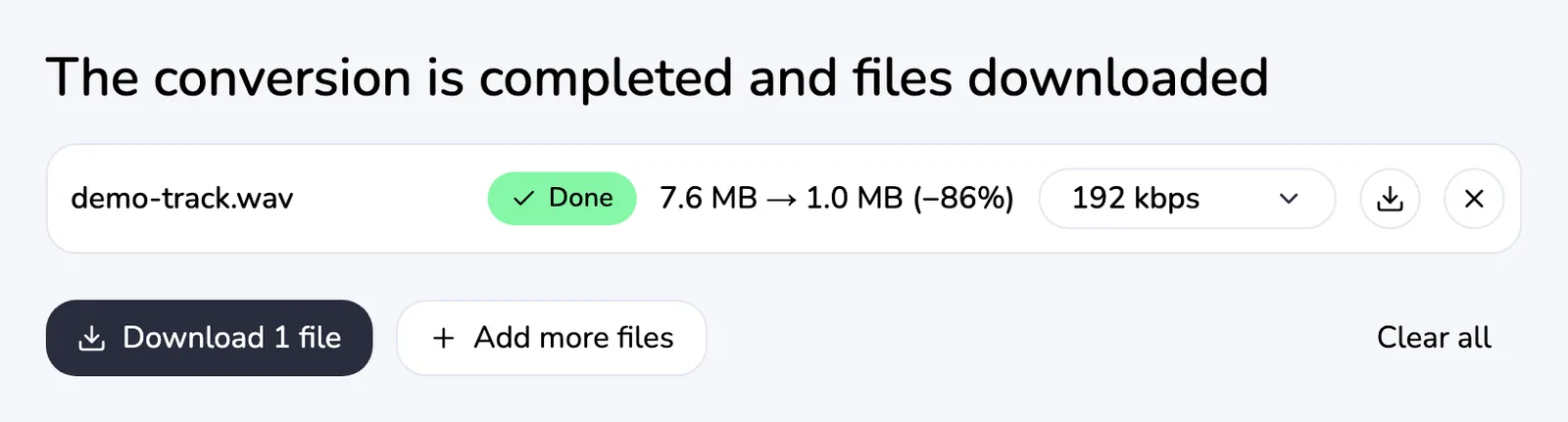
4.Compare and download
Each row shows the size before and after and the percent saved. Save files one by one or as a ZIP.
A WAV to MP3 compressor that stays on your device
You can compress WAV files here without uploading them. The encoder is a WebAssembly build of FFmpeg with LAME, running in a background worker in your tab.
Limits: 200 MB per file and 500 MB per batch on a computer, 50 MB and 120 MB on a phone.
MP3 is lossy — the honest limit
MP3 gets small by dropping sound that hearing is least likely to notice. At 192 kbps and above most people won't hear a difference, but that data is gone for good.
Converting the MP3 back to WAV gives you a big file again, not the original sound. Keep the WAV if it is a master or you plan to edit it.
The result is always an .mp3. If a form only accepts .wav, this page can't help.
Related tools
- WAV to MP3 — the same converter on the home page.
- How to convert WAV to MP3 — the step-by-step guide.
- Compress MP3 — for MP3 files that are still too big.
- MP3 to WAV — back to uncompressed audio for editing.